

Command Palette
Search for a command to run...
Search for a command to run...
Search for a command to run...
If you’re experiencing issues with your Tradovate account, such as missing real-time data or inability to access it in TradingView, follow these steps to resolve the problem.
Ensure you have signed the required data agreement upon logging into Tradovate.
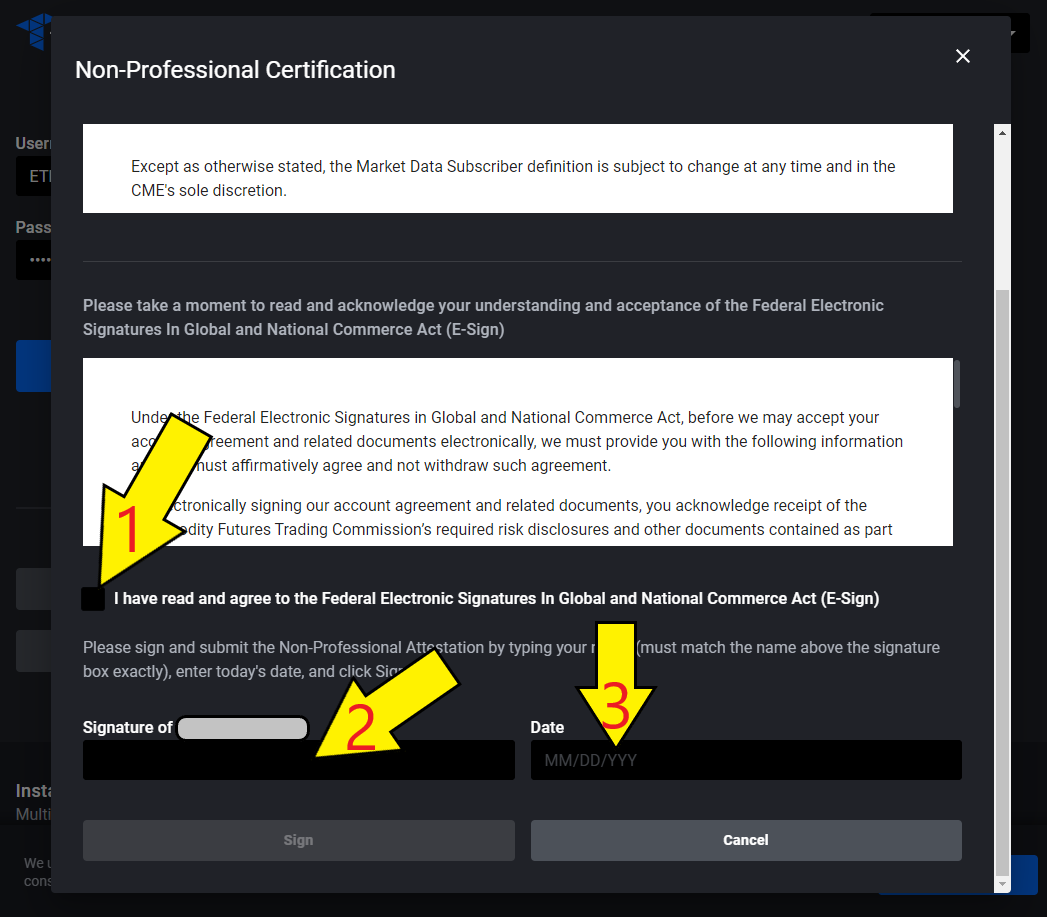
After signing the data agreement, log out of your Tradovate account to refresh the system and enable real-time data.
If issues persist after following these steps, contact Tradovate or open a support ticket via the Boomeo AI chat to check for any specific account limitations or data permissions.