

Command Palette
Search for a command to run...
Search for a command to run...
Search for a command to run...
Elite Trader Funding (ETF) now processes all outbound payments through Riseworks.io. Follow these steps to set up your Rise account and start receiving your payments.
Prefer reading? The complete Rise sign-up steps are explained below.
Sign-Up Process
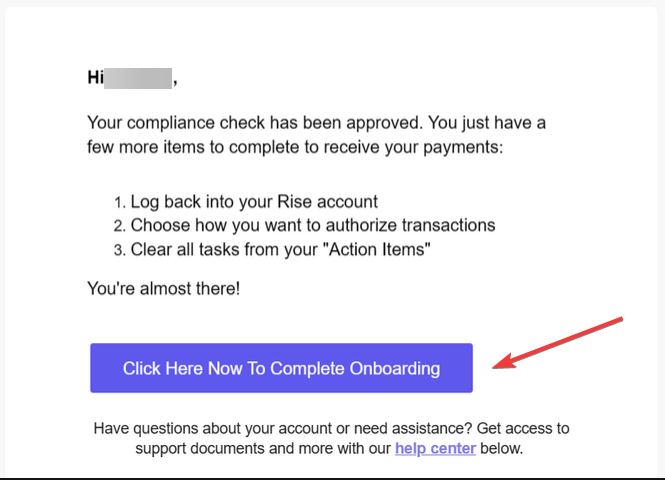
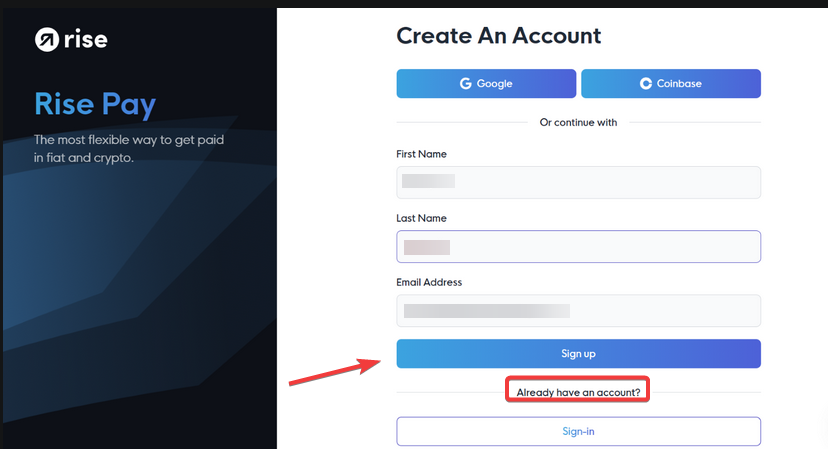
2. Create Your Account: If you don’t have a Rise account, select the Sign-up option and create your account. If you already have an account, log in and sign the Elite Trader Funding contract.
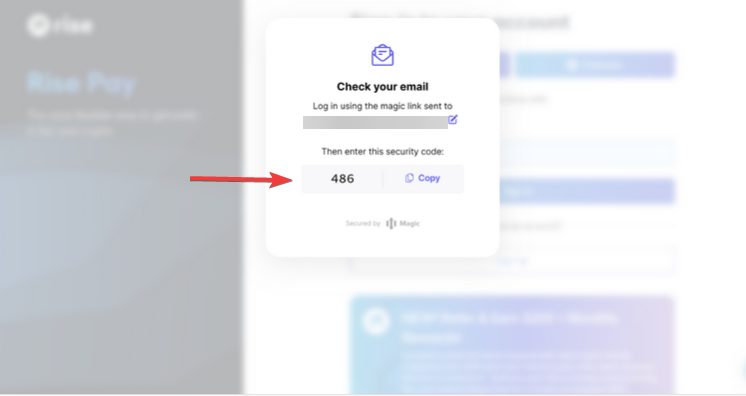
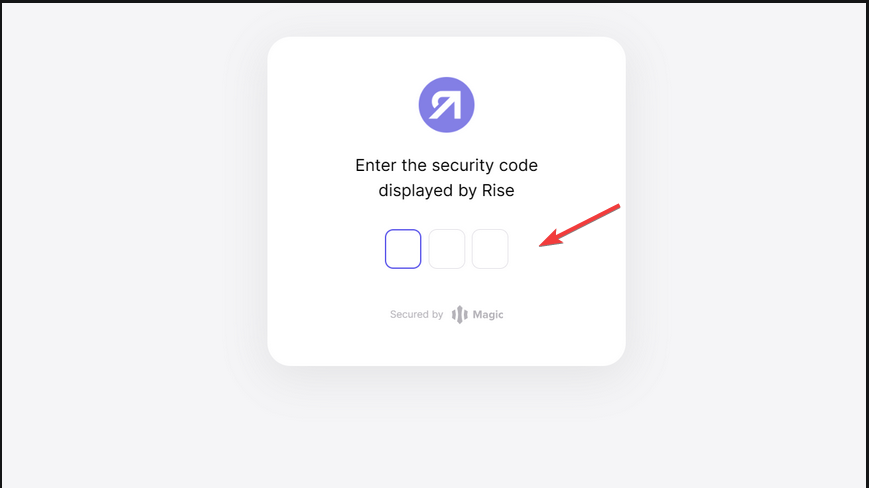
3. Email Verification: After entering your information, check your email for a confirmation request and enter the three-digit code sent to you.
4. Log In to Rise: Once verified, return to the Rise sign-up menu and log in to continue.
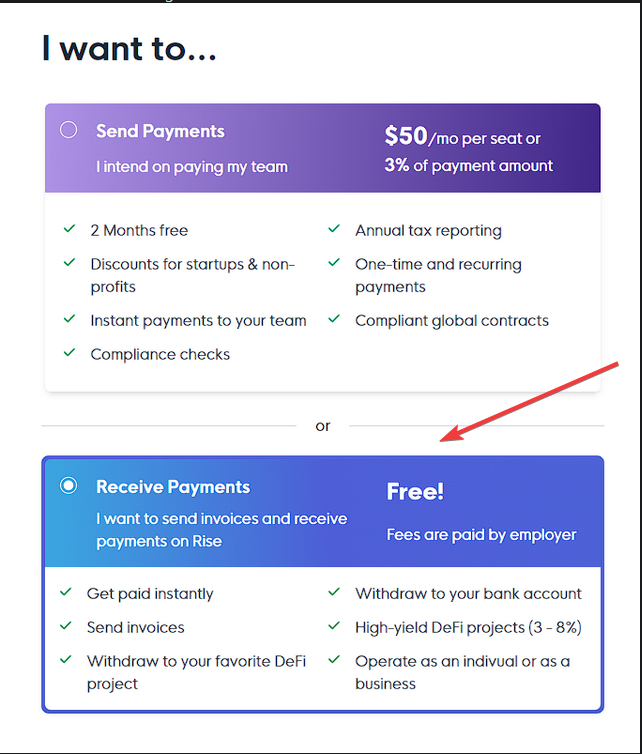
Onboarding Process
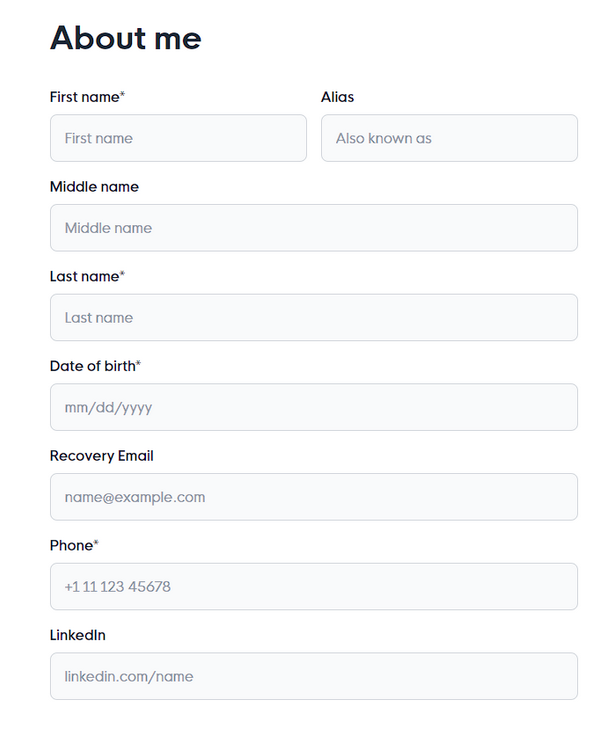
2. Provide Personal Information: Fill in all required fields accurately. If needed, refer to the help section for guidance on correcting any typos.

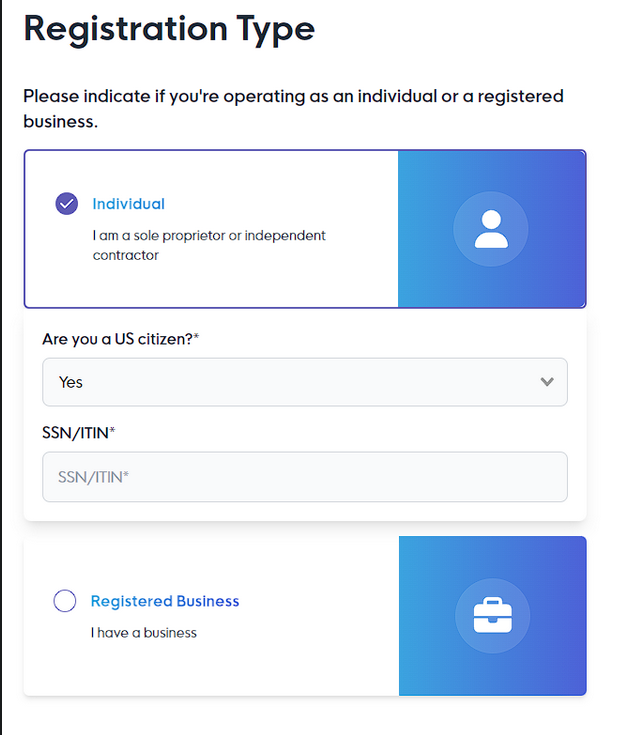
3. Choose Registration Type: Select whether you are an Individual (Independent Contractor) or a Business. US citizens must enter their SSN/ITIN, while non-US citizens must provide their country’s tax ID. If you register as a business, open a support ticket via the Boomeo AI chat to notify ETF support.
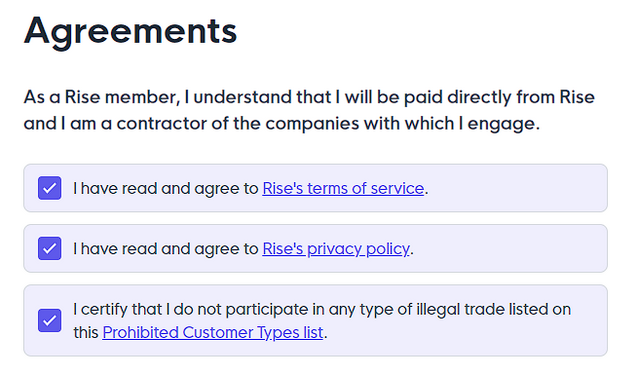
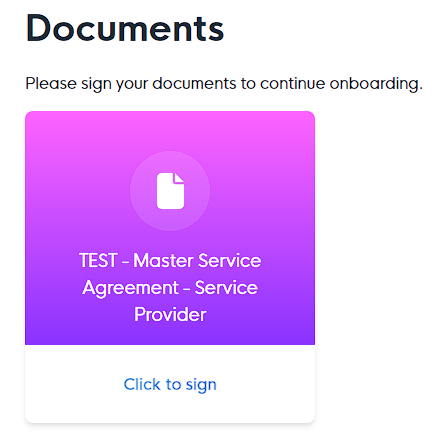
4. Review and Sign Agreements: Sign the Master Service Agreement SP to formalize your relationship with Rise.
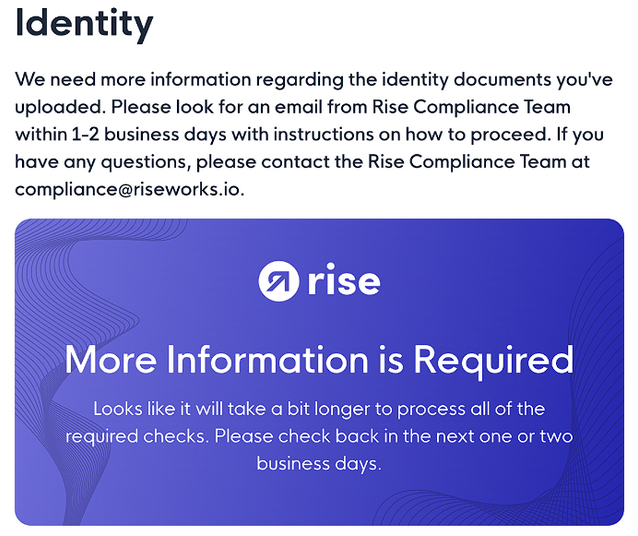
Identity Verification (KYC)
2. Verification Process: The system will verify your identity automatically. If manual verification is needed, the compliance team will contact you with further instructions.
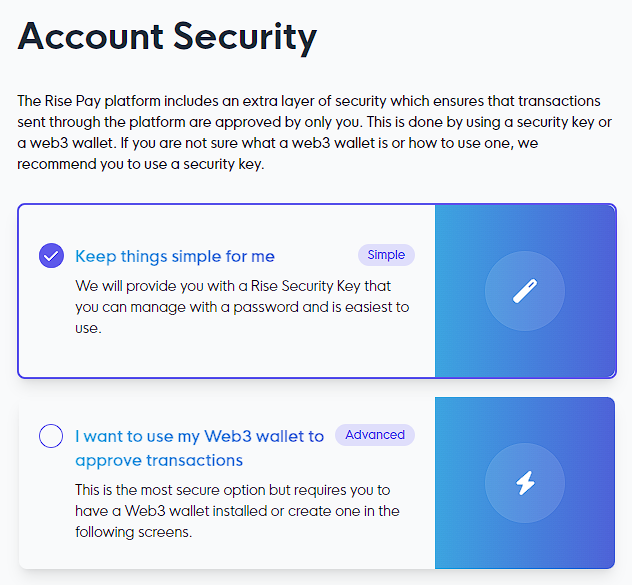
Create Your Rise ID
1. Set Up a Security Key: After verification, create your Rise ID with a password known as the Rise Security Key. Alternatively, connect a trusted wallet.
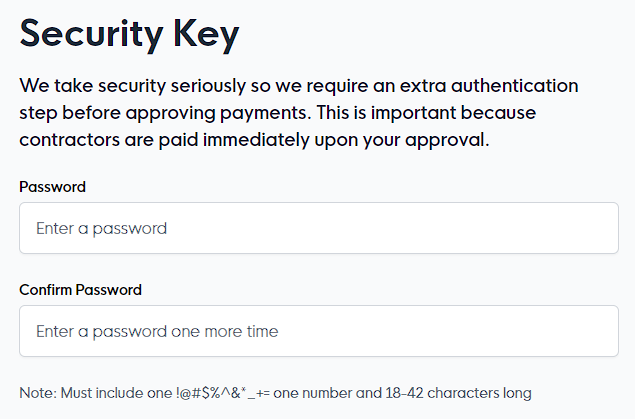
2. Access Your Dashboard: Once complete, you can access your Rise dashboard.
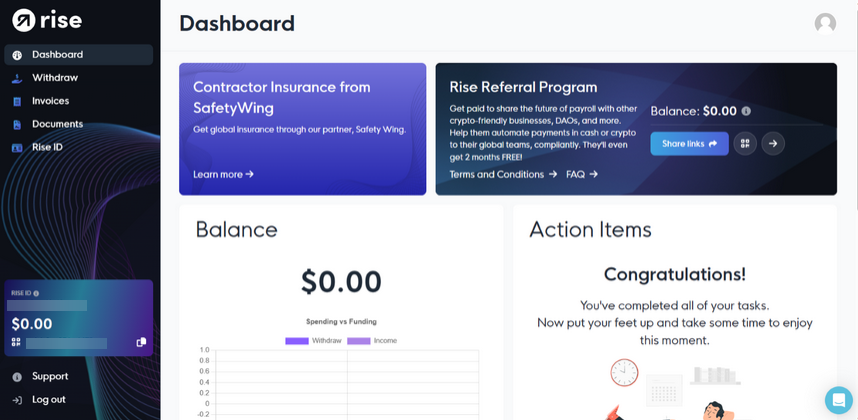
After you can access your Rise dashboard and your KYC has been approved, please open a support ticket via the Boomeo AI chat to proceed with your payment.