Command Palette
Search for a command to run...
Search for a command to run...
Search for a command to run...
Monitoring your real-time drawdown and other account information is essential for effective trading. This article explains how to track your drawdown using both Rithmic’s RTraderPro and Tradovate platforms.
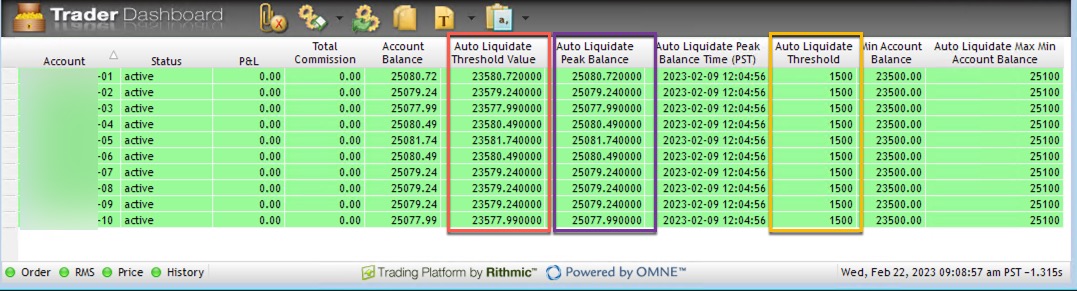
Tracking Real-Time Drawdown with RTraderPro
If you trade using NinjaTrader8, Quantower, or Sierra Charts, RTraderPro makes it easy to track your real-time drawdown. Follow these steps:
Note: Daily maintenance occurs after the NY market closes at 4:00 PM CST and around Globex opens. You can also verify your account status on your ETF Trader Dashboard.
https://elitetraderfunding.app/dashboard
Tracking Real-Time Drawdown with Tradovate
Tradovate offers live tracking of your account values. Here’s how to set it up:
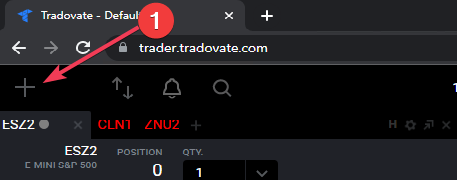
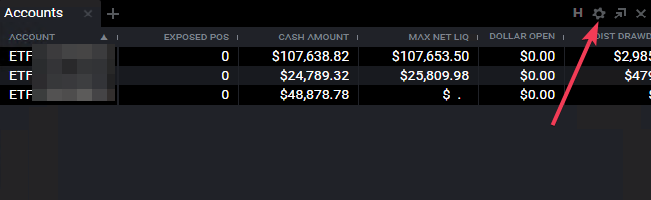
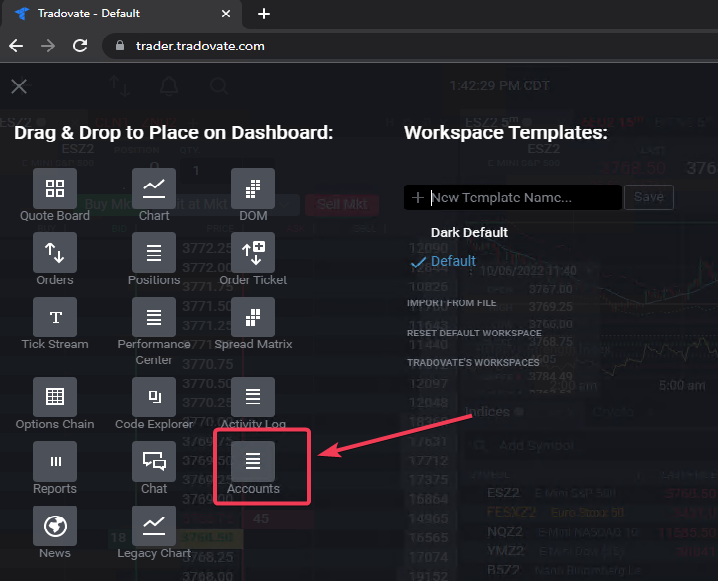
2. Add the Accounts Module: Click the Plus button to bring up the module selection window, then drag the Accounts module into your setup.
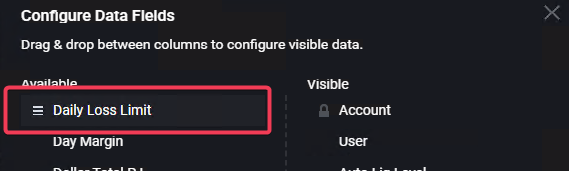
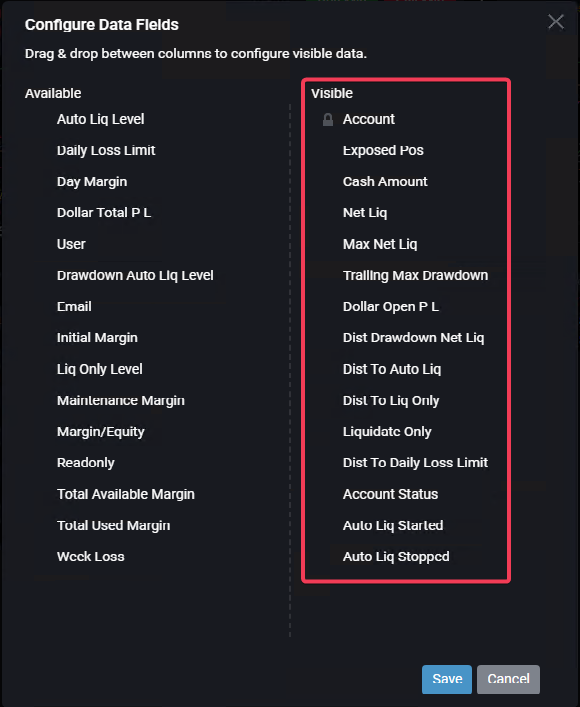
3. Customize Columns: Click the settings cog and select the columns you want to track.