

Command Palette
Search for a command to run...
Search for a command to run...
Search for a command to run...
Paper trading on TradingView is a valuable feature for practicing trading strategies without risking real capital. Follow this guide to set up and start paper trading on TradingView quickly.
To paper trade on TradingView, open a chart, click the Trading Panel tab at the bottom of the screen, select Paper Trading, then place orders by right-clicking the chart or using the Paper Trading tab. A free TradingView account is enough, and the steps below cover each part in detail.
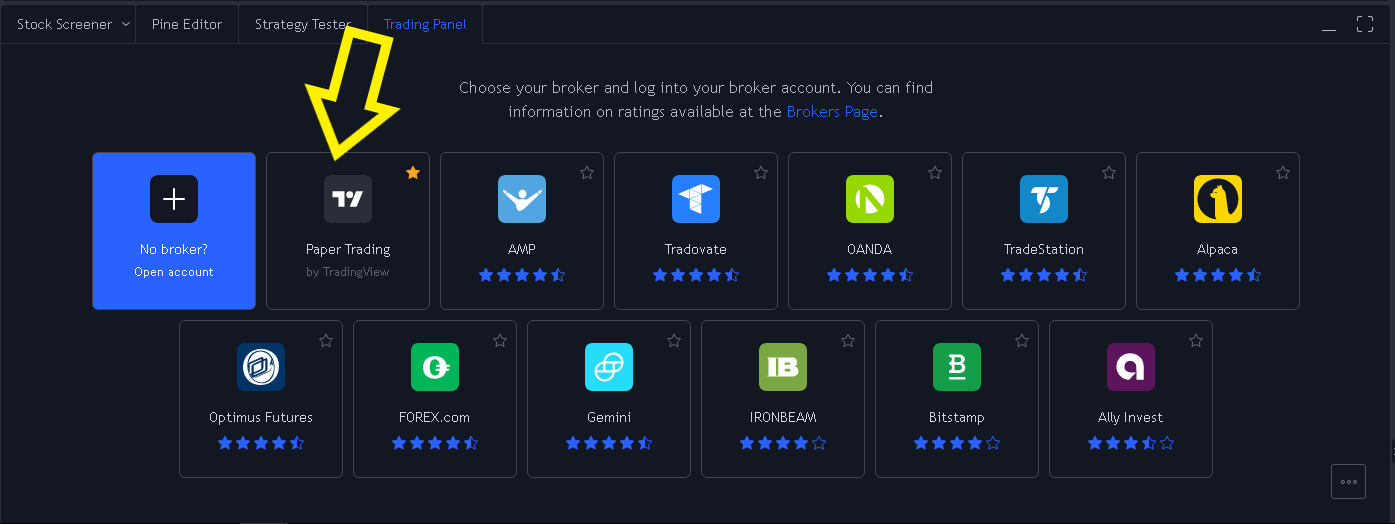
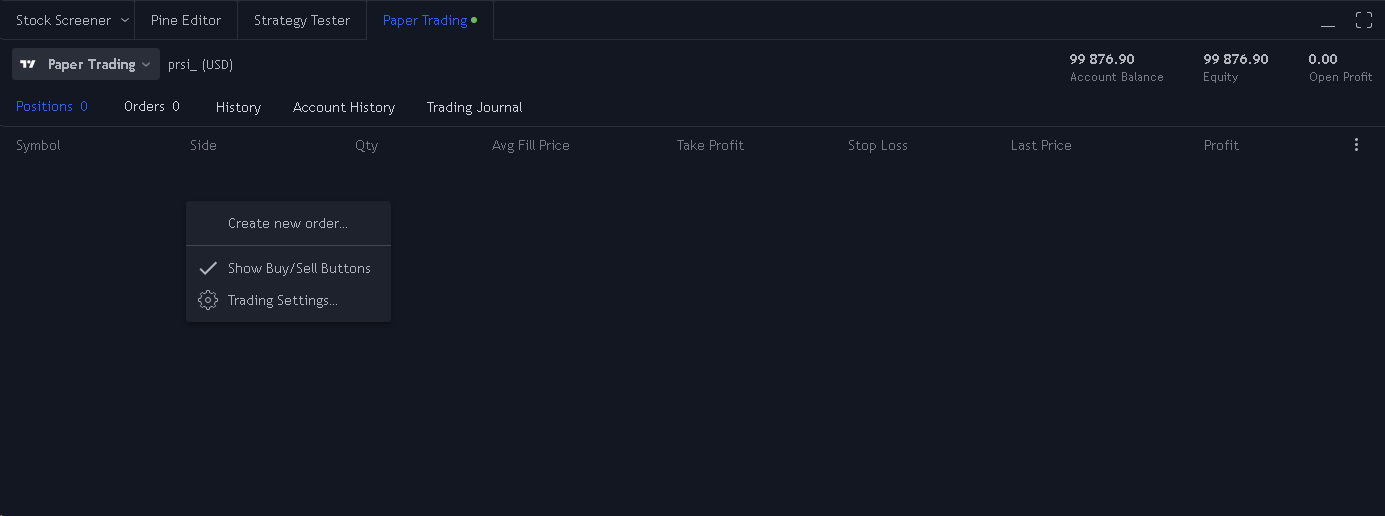
Paper trading allows traders to experiment with strategies, refine skills, and test market theories in a simulated environment. It’s an ideal feature for beginners and experienced traders alike to build confidence without financial risk.
For additional support on setting up paper trades, refer to the TradingView Help Center.